
FFmpeg on n8n Cloud without Execute Command
Run FFmpeg, compression and captions on n8n Cloud with the verified Rendobar node, installed from the nodes panel, with long jobs parked on a Wait node.
 Abdelrahman Essawy 6 MIN READ
The most repeated video question on the n8n forum is whether FFmpeg works on n8n Cloud. It was asked in August 2025 and again in April 2026, and the answer both times was no: Cloud ships no FFmpeg binary and allows no shell, and since n8n 2.0 the Execute Command node is off by default on self-hosted instances too. The verified Rendobar node is the way around it. You install it from the nodes panel, a Create Job step sends the FFmpeg command to Rendobar’s FFmpeg API (or runs a compression or caption job), and the output comes back as a URL or a binary.
Install it from the canvas
A verified community node is one n8n has reviewed and publishes itself. Type the name into the nodes panel and it appears under More from the community with a badge and an Install button, on Cloud and on self-hosted 1.94.0 or later.
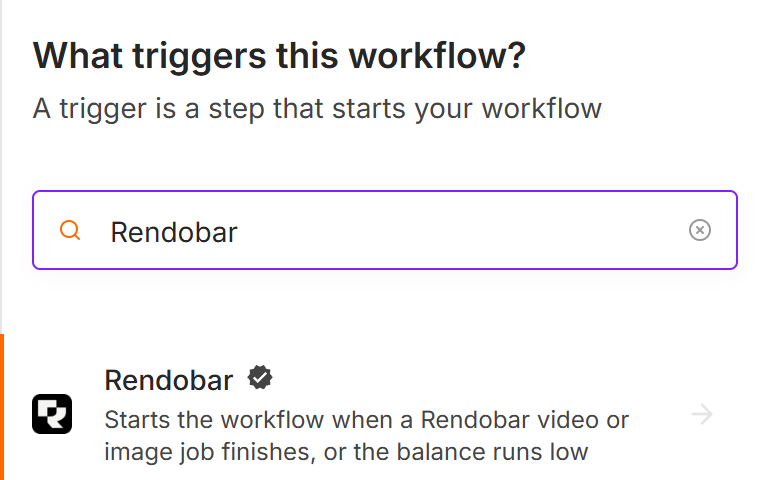
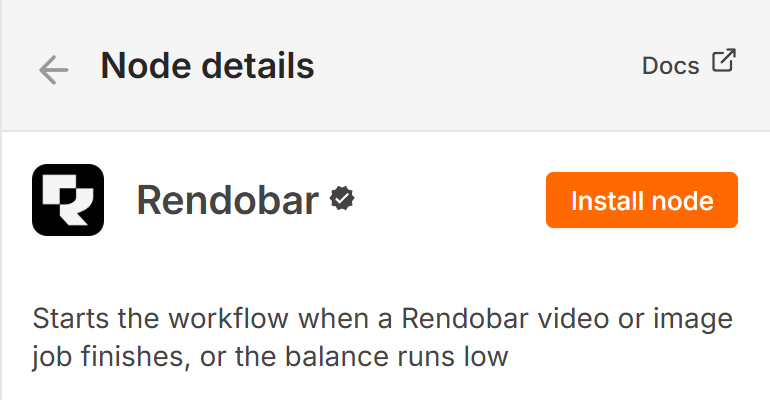
The install applies to the whole instance. If the section does not appear on Cloud, an instance owner turns on Verified Community Nodes in the Cloud Admin Panel, and a restart may be needed the first time. On a self-hosted instance the older route, Settings, Community nodes, still works with the package name @rendobar/n8n-nodes-rendobar.
Two nodes arrive. Rendobar runs operations against the API: create a job, read it, download its output, read its logs, upload a file, read the account. The Rendobar Trigger starts a workflow when a job changes state, a storage delivery lands or the balance runs low. The trigger listens to the whole account, not to one job type or one workflow, so two pipelines sharing an account will wake each other’s workflows and each has to discard what it did not ask for.
Updates reach Cloud after n8n reviews them, not when they hit npm. Version 0.6.1 was on npm on 15 September and in n8n’s verified registry on 18 September.
A workflow, end to end
The compression template shows the shape. A Google Drive trigger fires on a new file, Drive downloads it, and Rendobar’s Upload turns the binary into a URL. Create Job submits compress.target with a 25 MB cap. A Wait node parks the execution. Get Job downloads the result, and Drive and Telegram both receive it. Import it with Workflows, Import from File, then add your own credentials.
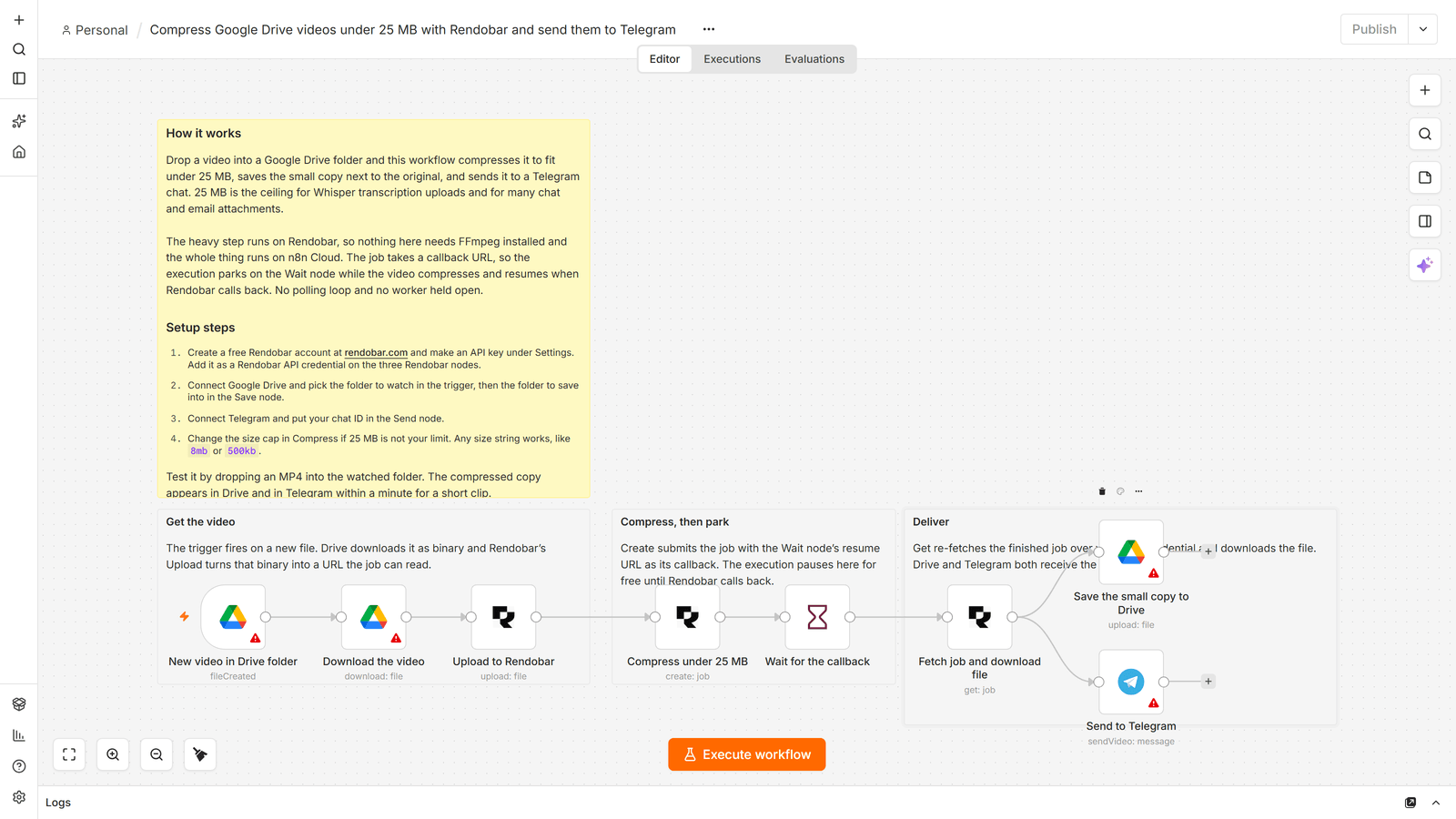
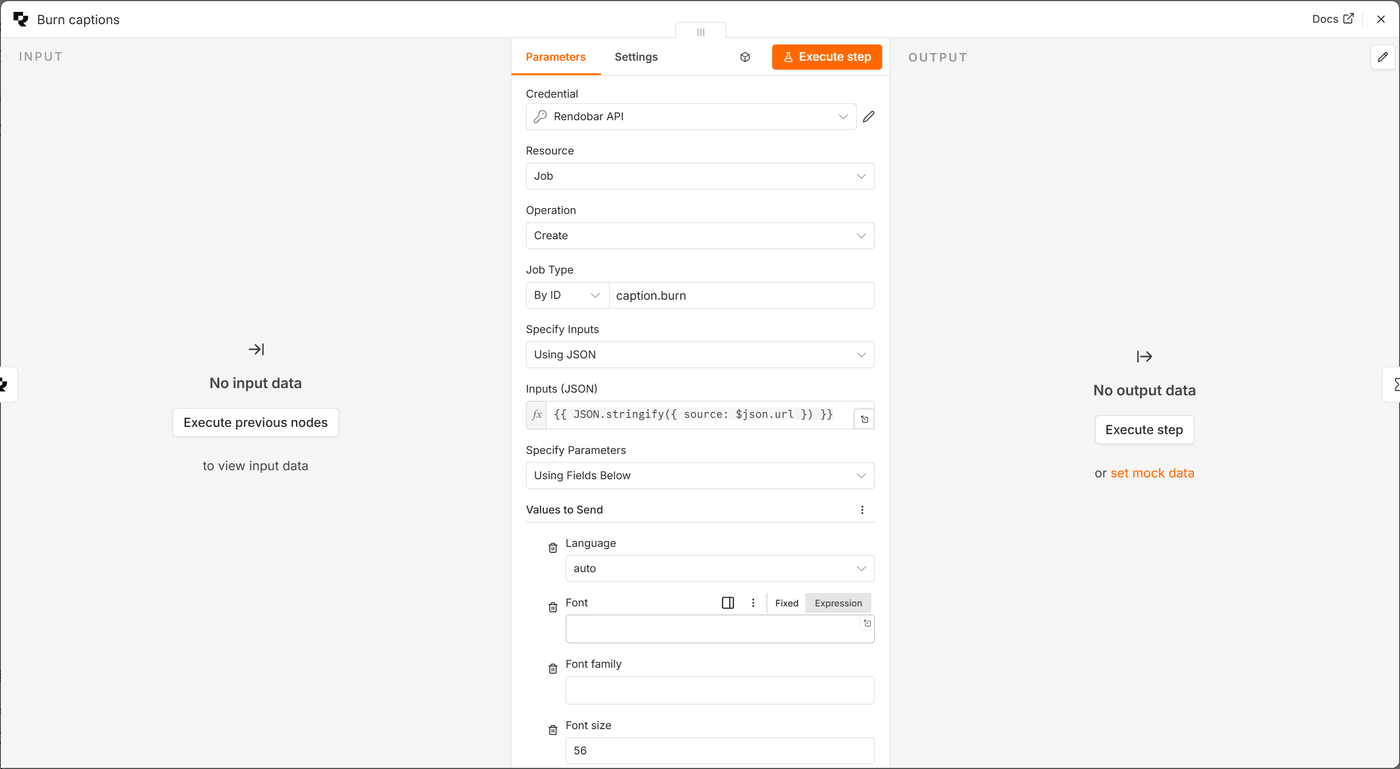
The Drive trigger polls once a minute, so a new file can wait up to sixty seconds before anything happens. The captions template runs caption.burn with the language on auto and posts the Drive link to Slack. The FFmpeg template starts from a form that takes a video URL and a command, and a second branch listens for any failed job, reads the runner log with Get Logs, and posts the error text to Slack. A filter graph that refuses to build says why in stderr, and that branch is how the reason reaches a person instead of stopping at a status field. The same folder holds four more workflows, from quote videos to upload checks.
Waiting without a worker
Media jobs are slow next to a workflow step, and on Rendobar a job may run up to an hour on Free and nine on Pro. The node offers three ways to get a result, and the templates use the second.
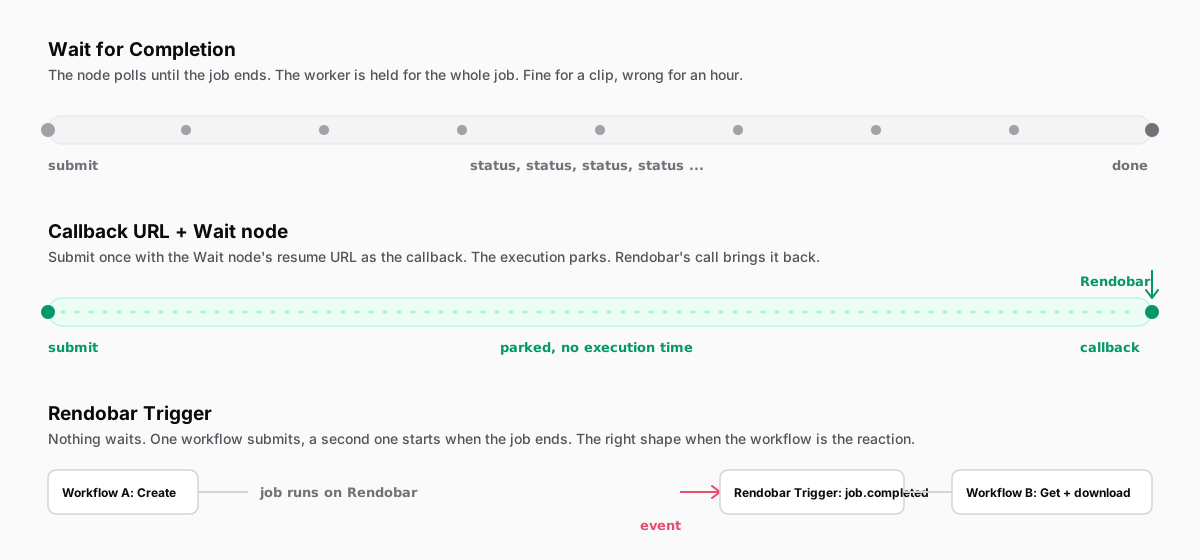
Wait for Completion polls every five seconds until the job ends or Max Wait runs out, 300 seconds by default. It holds the execution open the whole time, which is fine for a five second clip and wrong for an hour.
Callback URL plus a Wait node is the template default. The Create step carries {{ $execution.resumeUrl }} as its callback, the execution parks with no worker held, and Rendobar’s call resumes it. Two settings on the Wait node decide whether that works. Set the HTTP Method to POST, because Rendobar POSTs and the node defaults to GET. Turn on Limit Wait Time, the templates use ten hours, so an execution whose callback never lands releases itself. Leave Wait for Completion off when you use a callback. The node refuses the two together before it submits anything.
On a self-hosted instance the resume URL must be reachable from the internet, so a laptop needs n8n start --tunnel or similar. n8n Cloud has no such step. I ran each template’s Rendobar chain through a local n8n behind a tunnel before launch, with the Drive, Telegram and Slack steps swapped for stand-ins. All three executions parked, Rendobar’s job.completed call resumed each one, and Get downloaded the file. A job with a missing input fired the failure branch, and Get Logs returned the download error the runner reported.
The trigger is the third option, for when the workflow is the reaction and nothing needs to wait. It is also the answer for an n8n AI Agent with video tools, because a Wait node cannot sit inside a tool call.
What one compression run measured
I ran the compression job through the node against production on 8 September 2026, on Rendobar’s 344 KB, 1280 by 720, five second sample clip, the same one described in how we benchmark.
With a 200 KB cap (204,800 bytes), the output was 195,532 bytes: 44.5 percent smaller than the source, 9,268 bytes under the cap, at the same 1280 by 720. From submission to completion took 19.6 seconds, of which 7.0 were spent waiting for a worker, 0.1 downloading the input, 8.9 compressing and 3.5 uploading. The node’s own step, polling every five seconds, finished in 23.3 seconds, and the job cost $0.0136. The job record’s client field read n8n, which is how the dashboard’s usage view separates node traffic from everything else.
The byte counts will reproduce, because the encode is deterministic. The timings and the cost are one sample and will move with load.
An earlier run on the same day set the cap at 1 MB, above the source. It came back as the source, byte for byte, after a full compress step. Since 20 September a video that already fits its cap skips the encode search and returns the original, unless you also asked for a change such as a lower resolution. Put the cap where you need it.
When a local FFmpeg is the better choice
If you self-host n8n, have FFmpeg on the box and have turned Execute Command back on, a local command costs nothing per job and skips the upload. For short files on that setup I would keep it local. The node earns its place on Cloud, on instances that cannot run a shell, and on jobs long enough that a held worker matters.
On Cloud I would start from the FFmpeg template, whatever the job. The form and the command are easy to replace. The failure branch is the part people leave out, and it is the one that tells you what went wrong.
Frequently asked questions
Why does my n8n Wait node never resume after a callback?
Check the HTTP Method first. A Wait node set to resume On Webhook Call defaults to GET, Rendobar sends a POST, and the resume address answers 404 without saying why. Then check that the next node reads the job ID from $json.body.data.jobId, because n8n wraps the resume call as headers, params, query and body.
How do I burn my own SRT file into a video in n8n?
Use the caption.burn job type and pass the SRT or VTT file as the subtitles input, next to the video. Rendobar burns that file instead of transcribing the audio. Upload it first with the node's File Upload operation if it is a binary in the workflow.