
Run media jobs from an Activepieces flow
Run transcodes, captions and image generation from an Activepieces flow. Nine actions, two triggers, and a long job parks instead of polling.
Rendobar now has an Activepieces piece. It is published on npm as @rendobar/piece-rendobar, and Activepieces installs it by package name from Settings → Pieces → Install Piece.
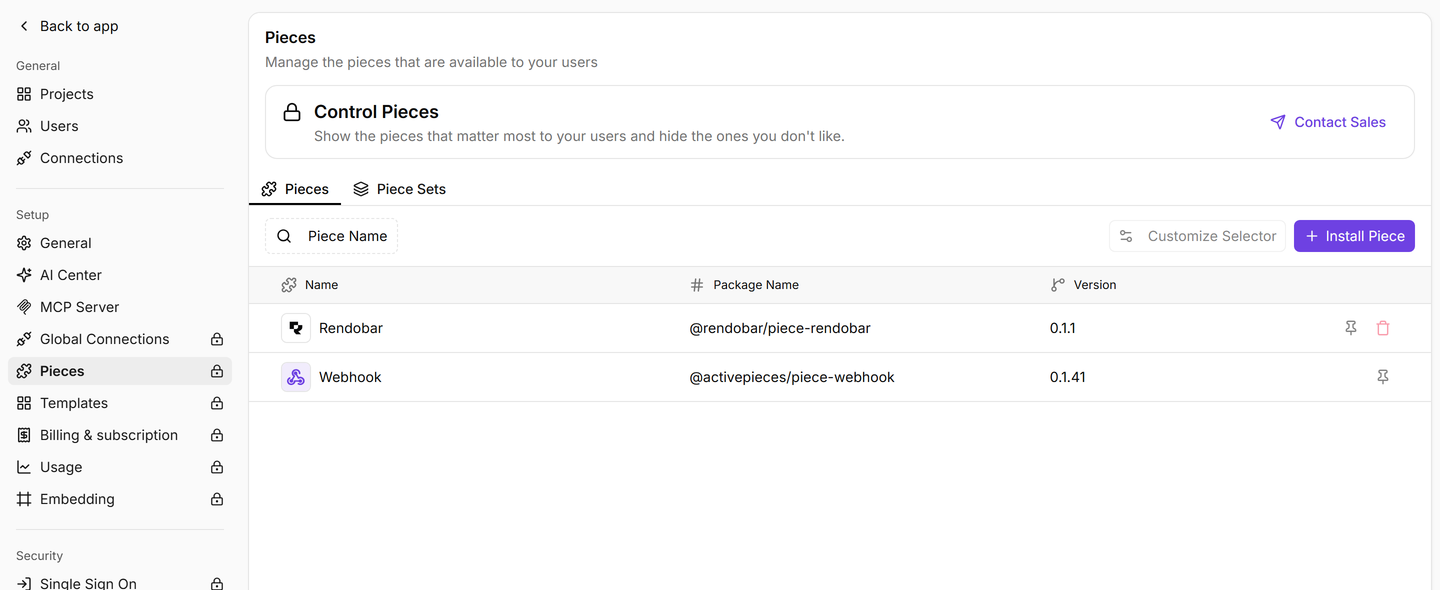
The piece covers the same surface the SDK does, so a flow can do whatever your own code could: submit a job, read one back, list recent jobs, read a job’s logs, upload a file, share an output, cancel a run, check the account balance, and call any endpoint the piece does not wrap yet. Nine actions and two triggers in total.
The part worth knowing about
Media jobs are slow. A transcode can take minutes, and the usual way to handle that in a flow builder is to loop on the job’s status until it changes, which keeps an execution open the whole time.
This piece does not do that. Run a Media Job creates a waitpoint, hands Rendobar the resume URL as the job’s callback, and parks the flow. Nothing runs between submitting and finishing. When the job completes, the callback arrives and the flow picks up with the output already in the step.
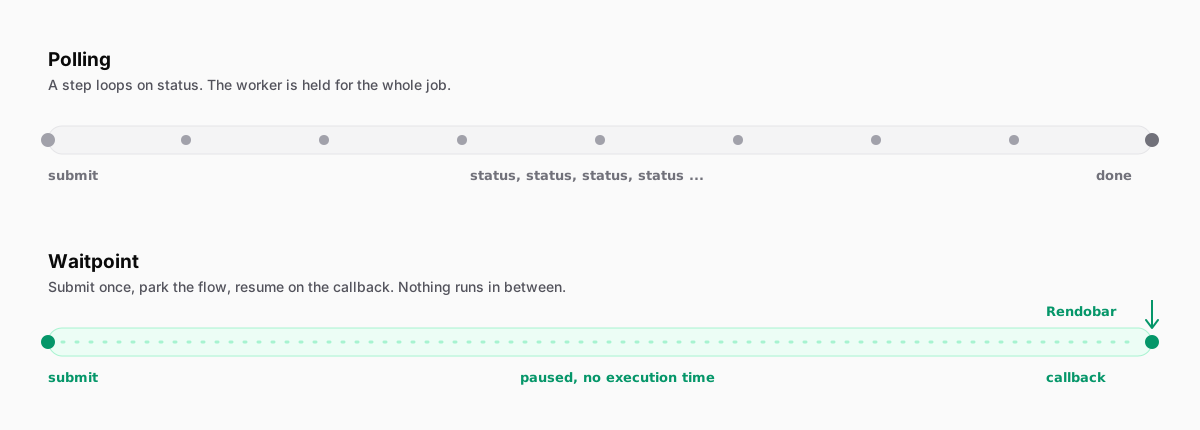
If the piece cannot hand out a reachable callback URL, which is what happens on a laptop or behind a firewall, it falls back to polling on its own. The setting is one toggle, and the fallback needs no configuration.
The form follows the job type
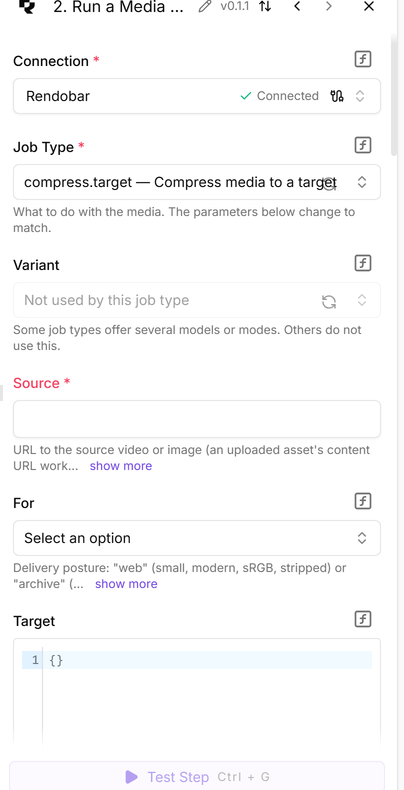
The parameters are not hardcoded. The piece reads GET /jobs/types/{type}/schema and builds the form from it, so choosing a job type rebuilds the fields underneath to match that job’s real parameters. A job type that ships next month appears in the dropdown without a piece release.
Getting it
Self-hosted Activepieces installs it with no restrictions. On Activepieces Cloud, installing a piece that is not in their catalog is part of the Ultimate plan, so the npm route reaches self-hosted instances and Ultimate customers.
The piece is MIT licensed, publishes from CI with npm provenance, and the source is at rendobar/activepieces-piece. There is a longer walkthrough in Add video processing to Activepieces, including what the waitpoint costs in execution time and where the approach stops. If you would rather drive Rendobar from code, the job type schema endpoint is what the piece itself reads, and the docs cover the job model behind it.