
image.upscale: rebuild detail, not just pixels
Increase an image's resolution on a one-step diffusion restoration model. Ask for a factor or a target height, keep transparency, and get back exactly the size you asked for.
image.upscale takes an image and gives it back larger. Ask for a factor, or a target height and let the width follow the source aspect ratio. It runs on SeedVR2, a one-step diffusion restoration model we host under Apache-2.0, so there is no third-party upscaling API in the path.
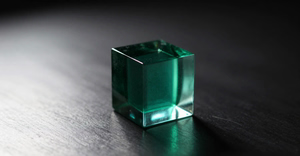
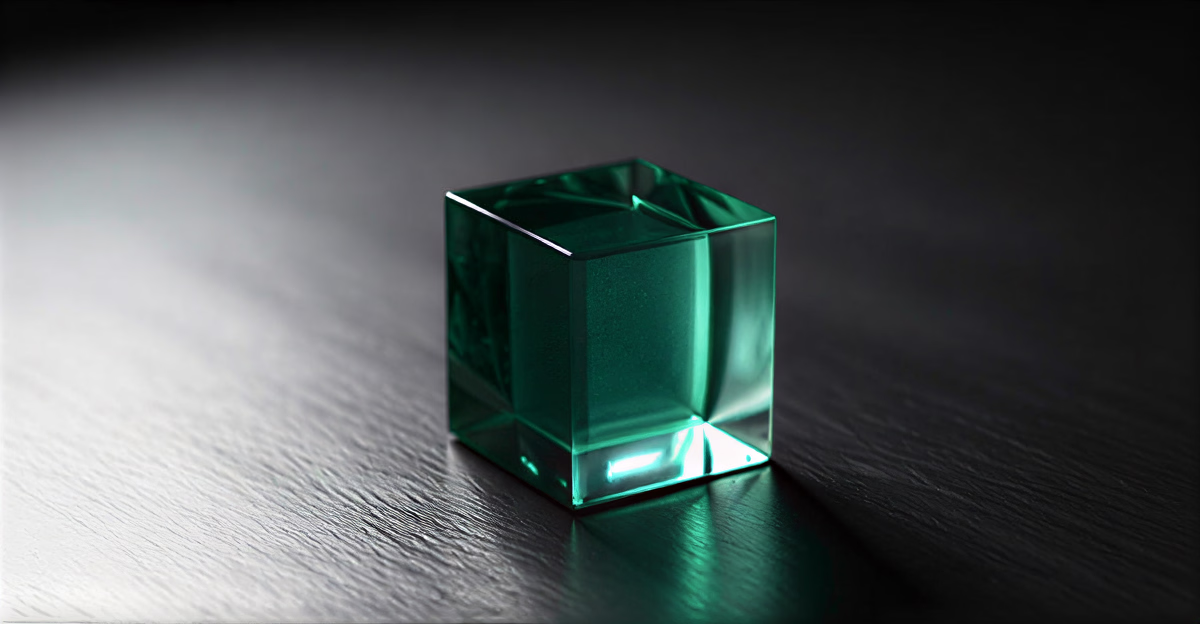
image.upscale at factor: 4, reconstructed to 1200x624. Both shown at the same width, so the difference is the reconstruction rather than the display size.Reconstruction, not sharpening
This one reconstructs detail rather than only sharpening what is already in the frame. A compressed or soft photo comes back rebuilt. That is a different job from a faithful resize, and it is the reason a phone snapshot survives the trip to print resolution. Downscaling a result back to its source size and comparing gives 24 to 29 dB against 58 dB for a plain resample, which is the measurement behind that claim.
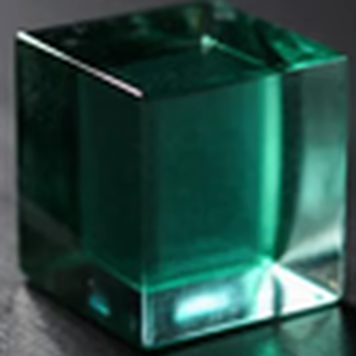
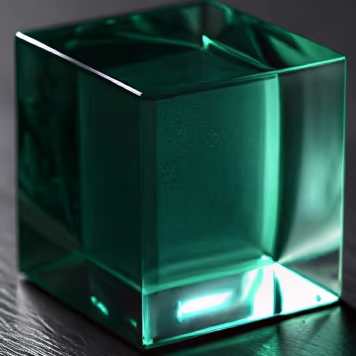
image.upscale. Both encoded identically, so the difference is the reconstruction and not the compression. The whole-image view above cannot show this, because fitting a 1200 pixel result into a text column discards the detail that was added.Transparency and exact sizing
Two things we got wrong in earlier upscalers and fixed here. Transparency survives: alpha is upscaled alongside the colour channels instead of being flattened, so a logo keeps its edge. And the output lands on exactly the size you asked for, including odd numbers, rather than a pixel or two short.
Size limits
There is no product cap on output size. The bound is what the GPU can physically hold, and a request past it is refused before any rendering starts, with the numbers and the largest factor that would have worked. You are not charged for a render that never ran.
Defaults are tuned for photographs. inputNoise and inputScale are there if you want to push it, and passes runs the model repeatedly for a harder rebuild. Full reference in the image.upscale docs.
How tiers and pinned model ids work across the generation jobs is covered in the generation guide.