
Run FFmpeg on n8n Cloud with a verified node
Search for Rendobar in the n8n Cloud nodes panel and install it in one click. n8n verified the node, so there is no self-hosting and no Execute Command to enable.
The Rendobar node is verified by n8n and live on n8n Cloud. Open a workflow, press +, search for Rendobar, and it appears under More from the community with a verified badge and an Install button. Until now the node only reached self-hosted instances through Settings, and n8n Cloud had no way to run FFmpeg at all.
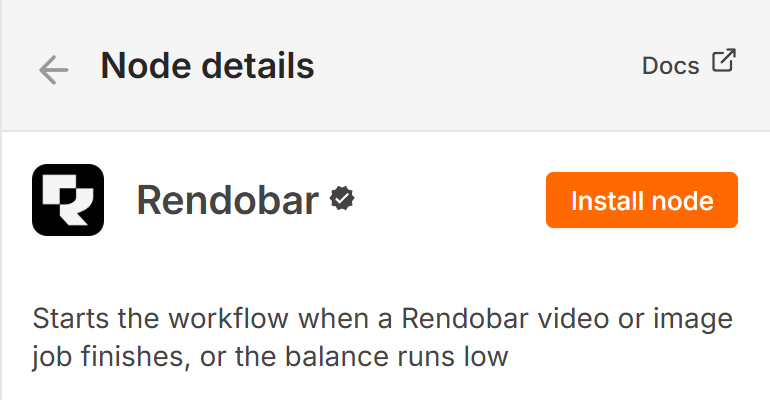
That closes the most repeated question on the n8n forum. n8n Cloud ships no FFmpeg binary, and since n8n 2.0 the Execute Command node is off by default on self-hosted instances too. A Rendobar node runs the command on Rendobar’s workers instead, with the full build, and hands the output back as a URL or a binary.
What the node does
One package, two nodes. Rendobar submits a job of any live type, reads it back, lists jobs, reads a job’s runner log, downloads the output, uploads a file, reads connected storage and reads the account balance. Rendobar Trigger starts a workflow on ten events: five about a job, three about a storage delivery and two about the balance. Both attach to an AI Agent as tools.
The job type dropdown loads from your account and the parameter form is built from the job type’s own schema, so a job type that ships next month appears in the node without a release.
Waiting without a worker
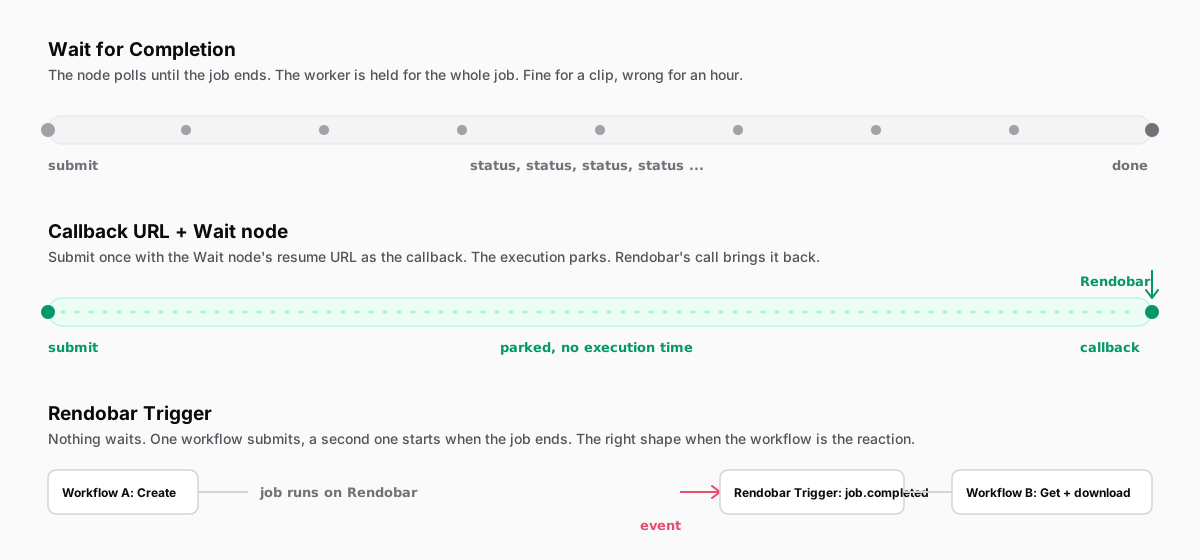
A transcode takes minutes and the usual answer in a workflow builder is a loop that asks whether the job is done yet. The node’s Create operation takes a Callback URL instead. Point it at a Wait node’s resume URL and the execution parks with no worker held open until Rendobar calls back.
Ready-made workflows
Three workflows import as they are and run on n8n Cloud: compress Google Drive videos under 25 MB and send them to Telegram, auto-caption Drive videos and post the link to Slack, and run any FFmpeg command from a form with failed jobs posting their FFmpeg log to Slack. They live in the templates folder and are on their way into the n8n template library.
The docs page covers both install paths, the Wait node settings that make the callback safe, and the three tools to give an AI Agent. Add video processing to n8n Cloud walks through the templates with a measured run, and Give an n8n AI Agent real video tools covers the agent side.