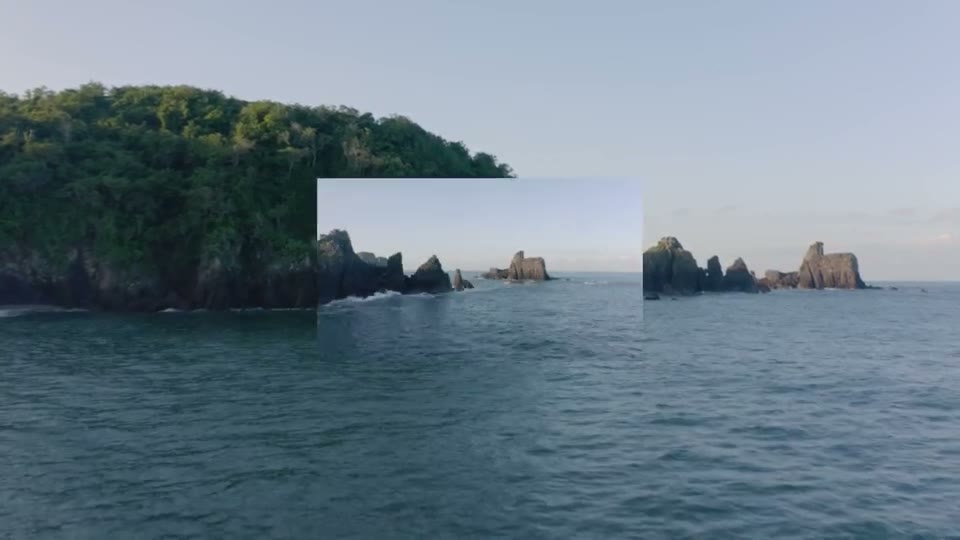
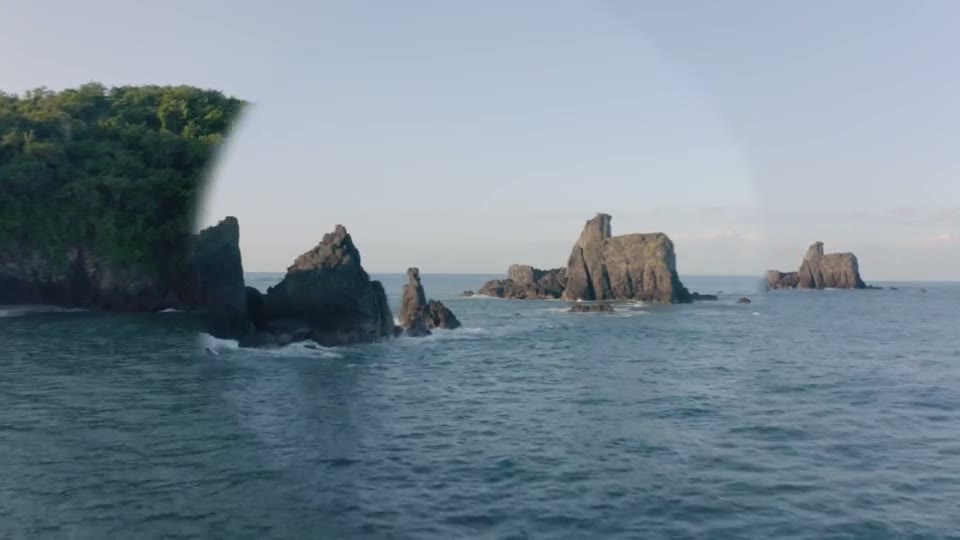
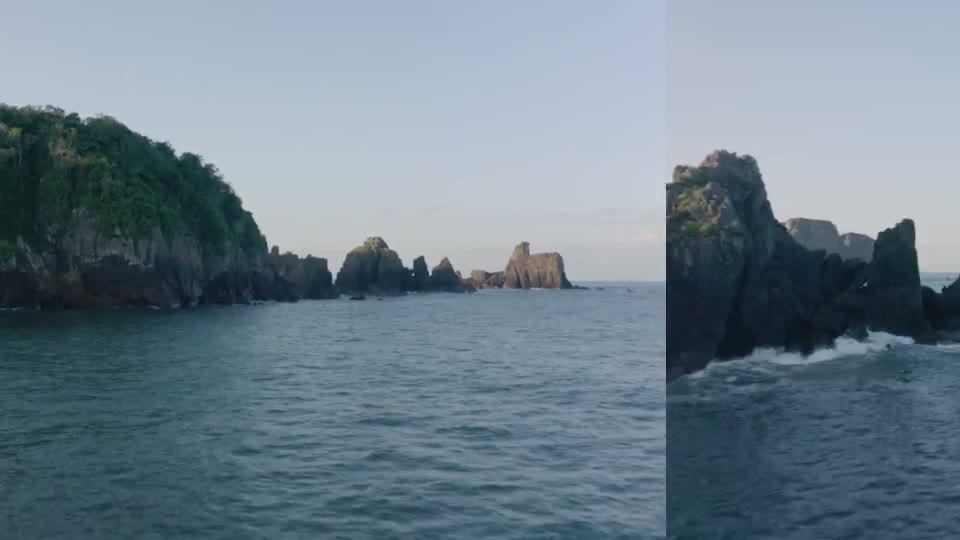
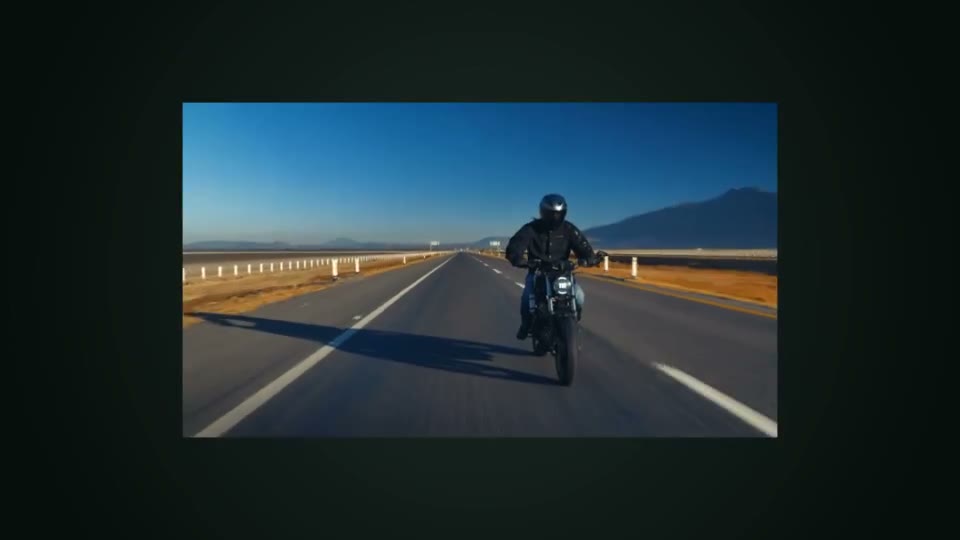
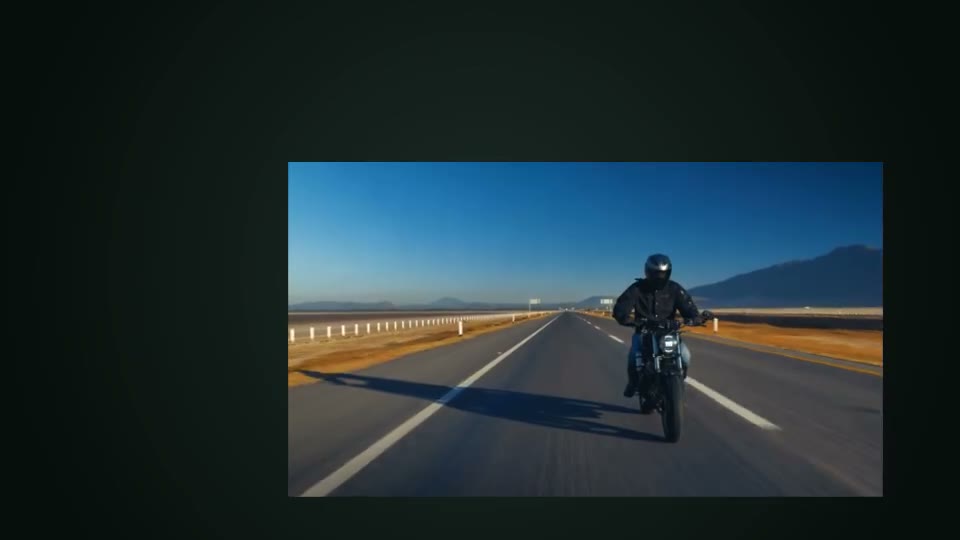
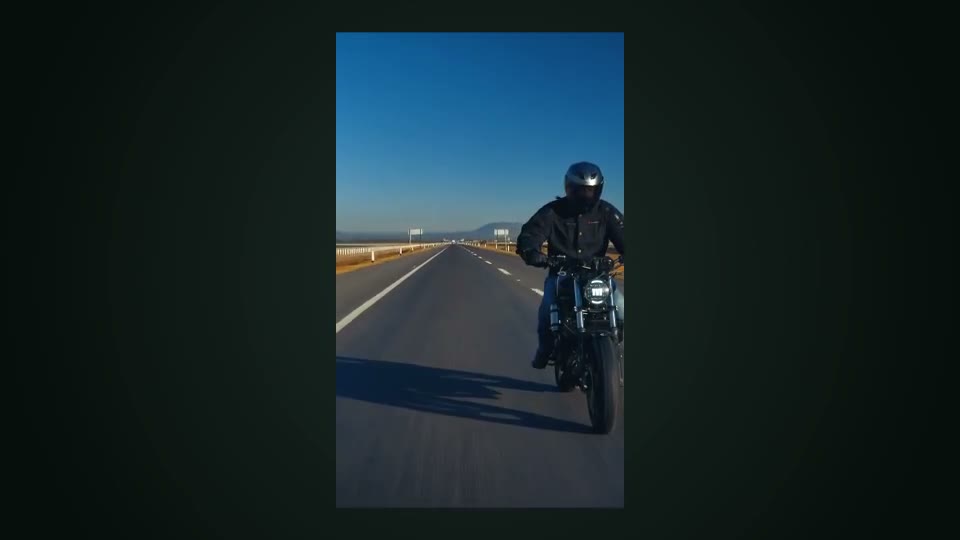
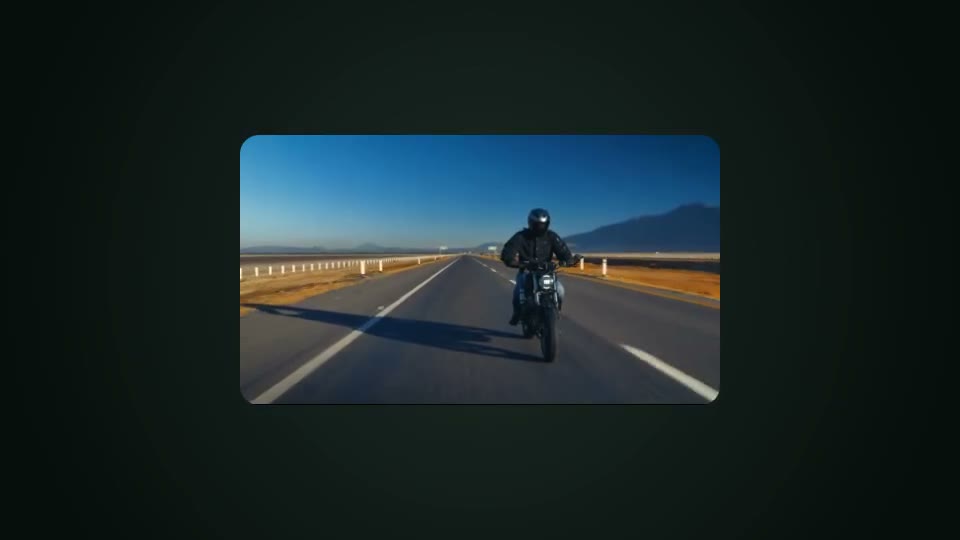
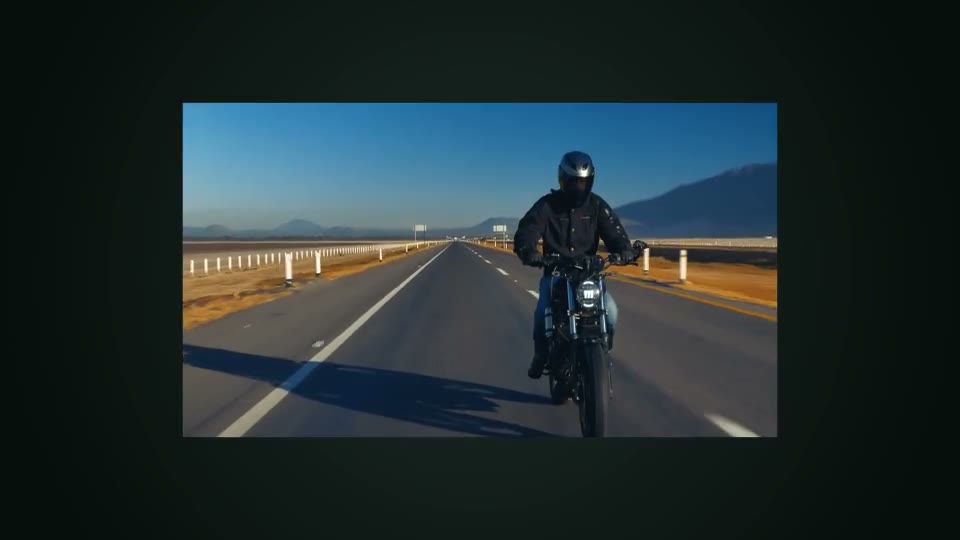
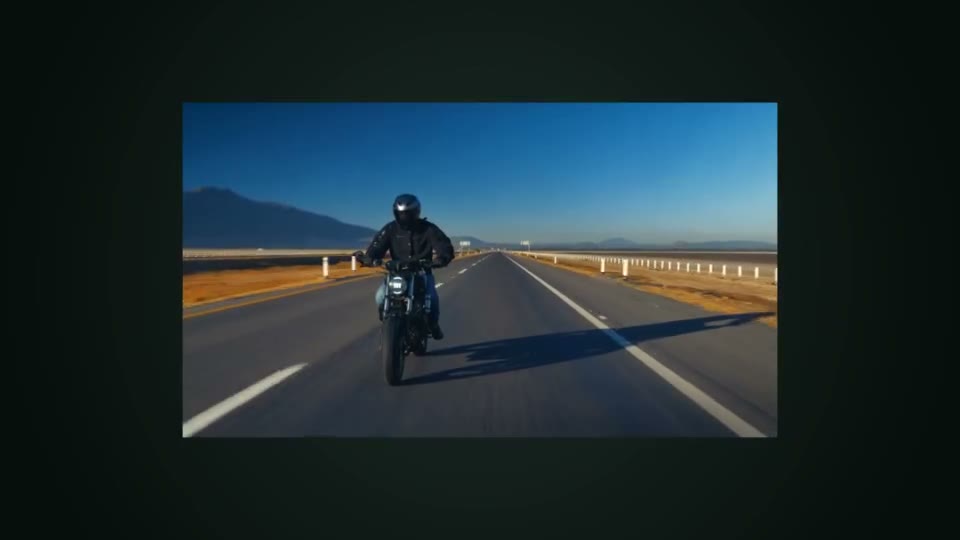
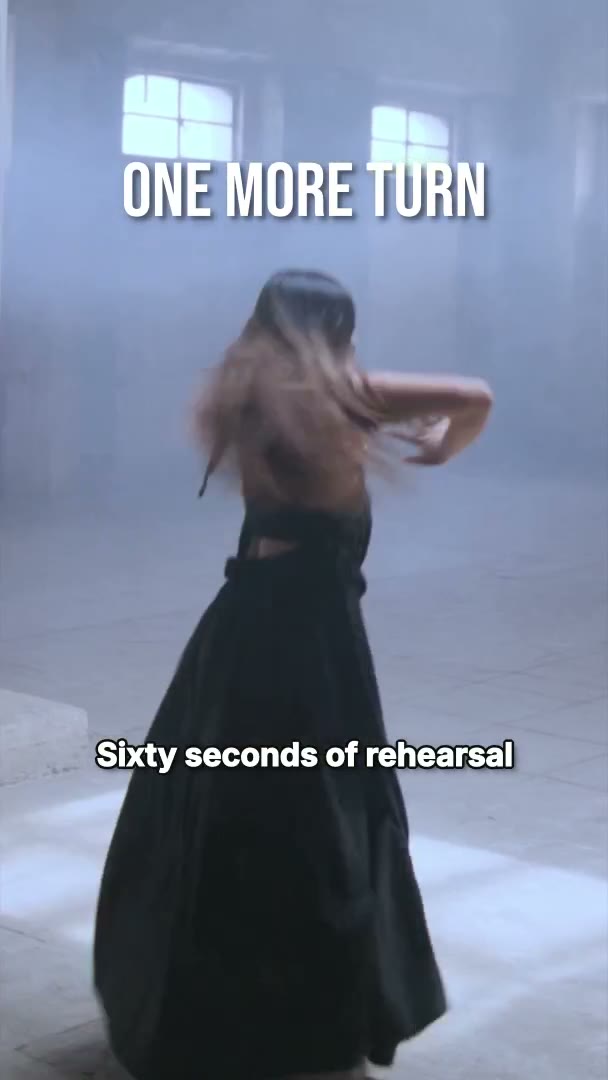
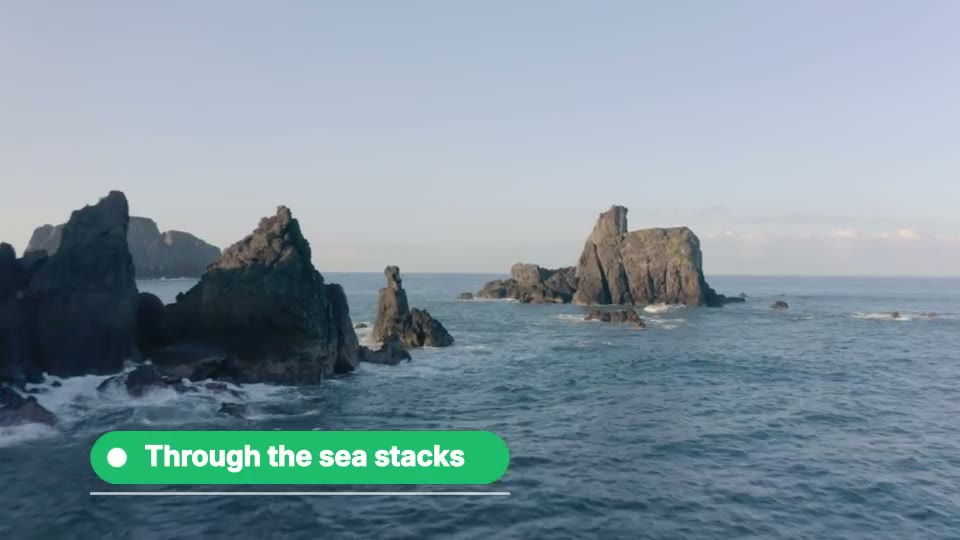
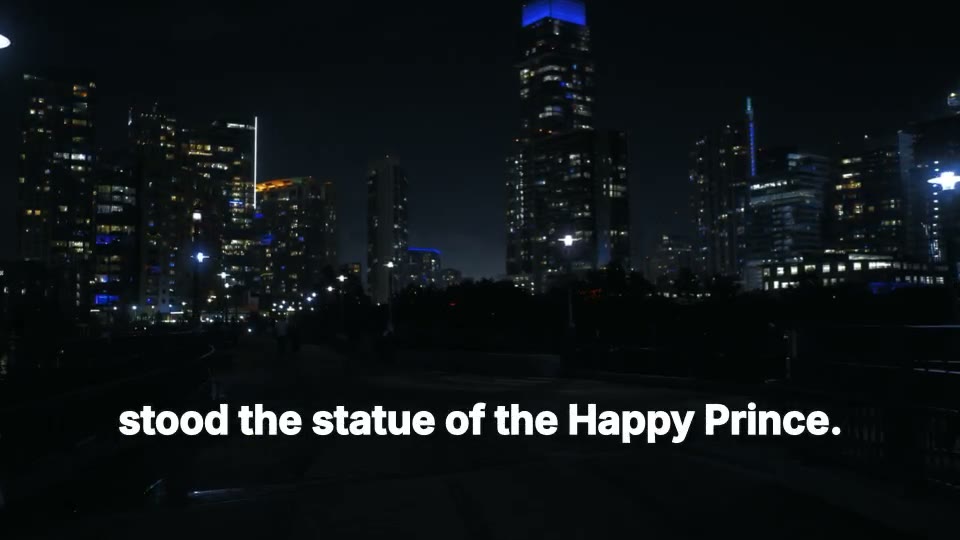
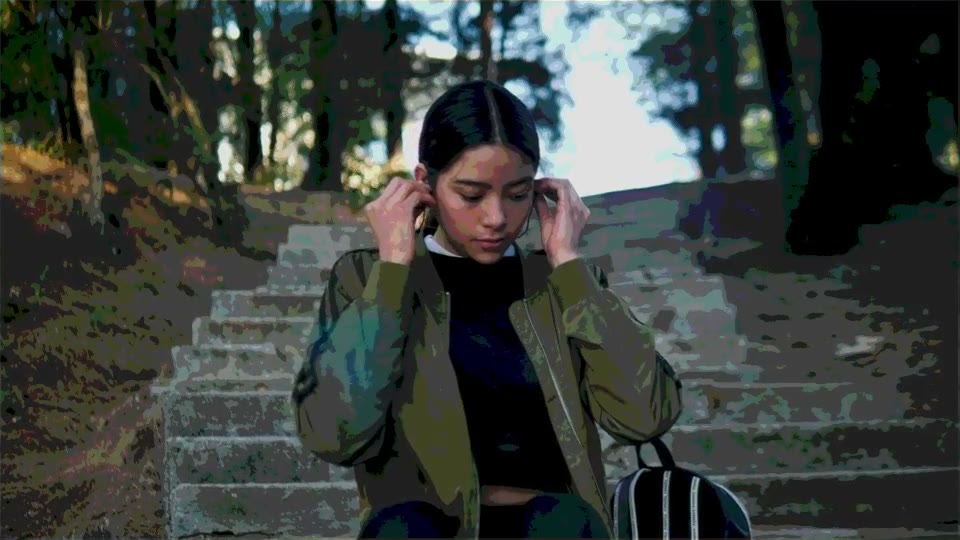
Every compose effect, before and after

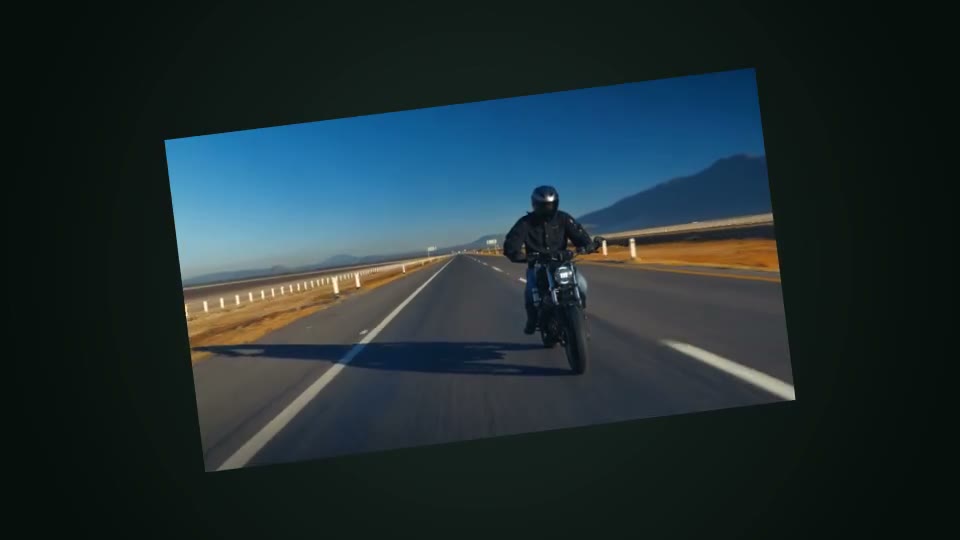
An effect is one entry in a clip's effects list: a type, and only the settings you want to change. Each page below shows one on footage chosen for it, next to the same request without it, with the settings, their defaults, and the SDK call that rendered it.

Most are shown with nothing but their type. The defaults are the look.

Framing

How a picture sits in its box when their shapes differ.

Clips

Kinds of clip the engine draws for you, styled like text.

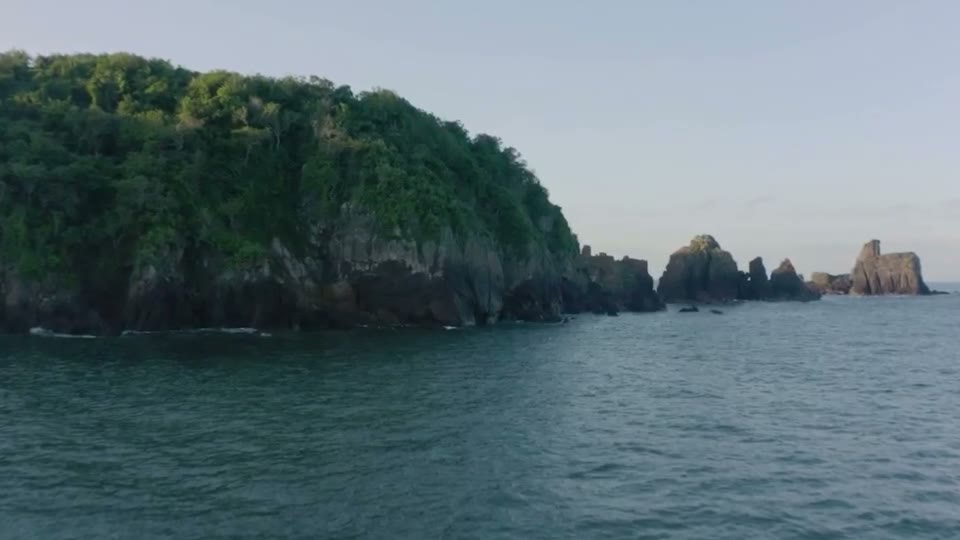
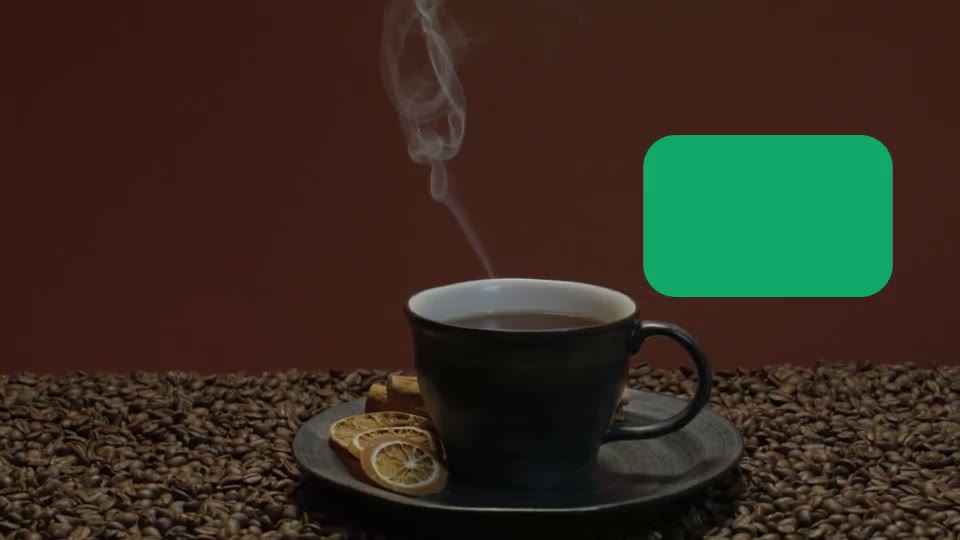
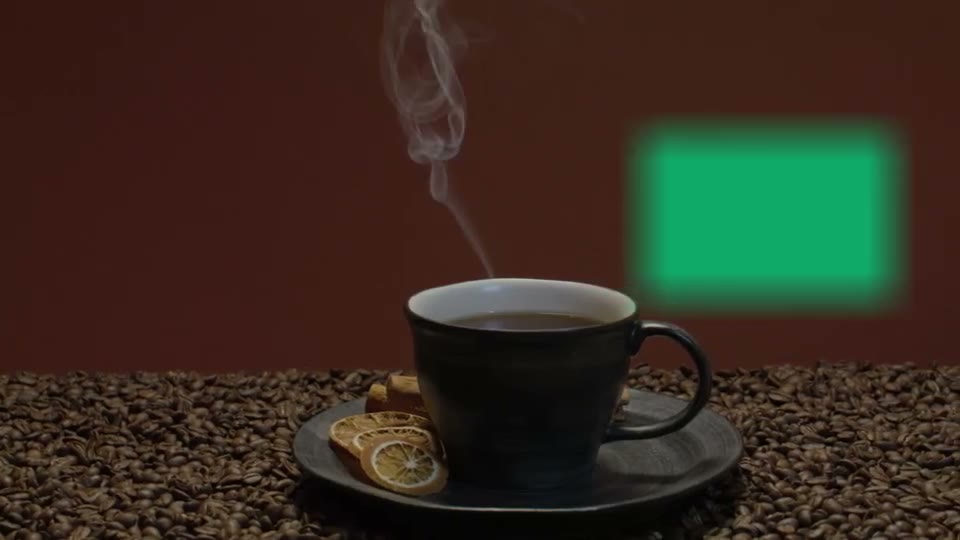
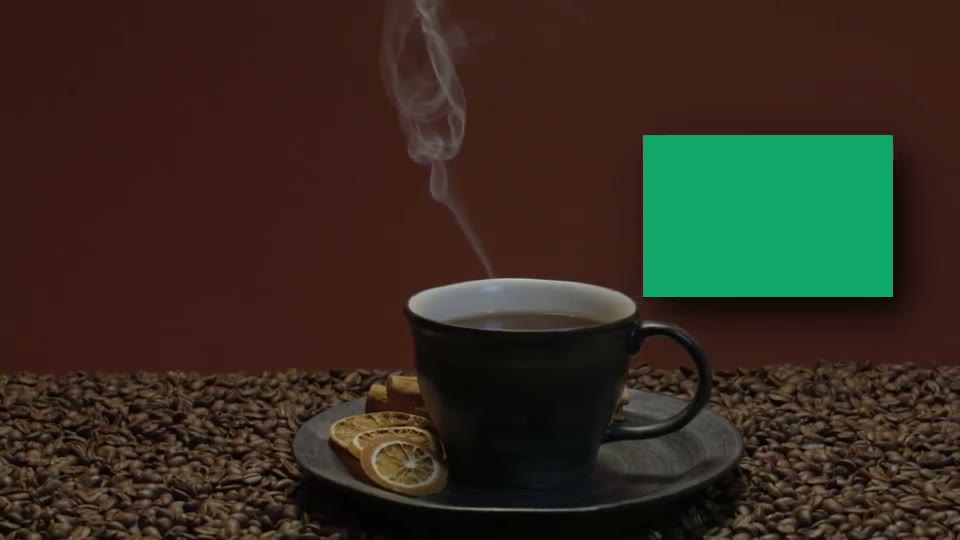
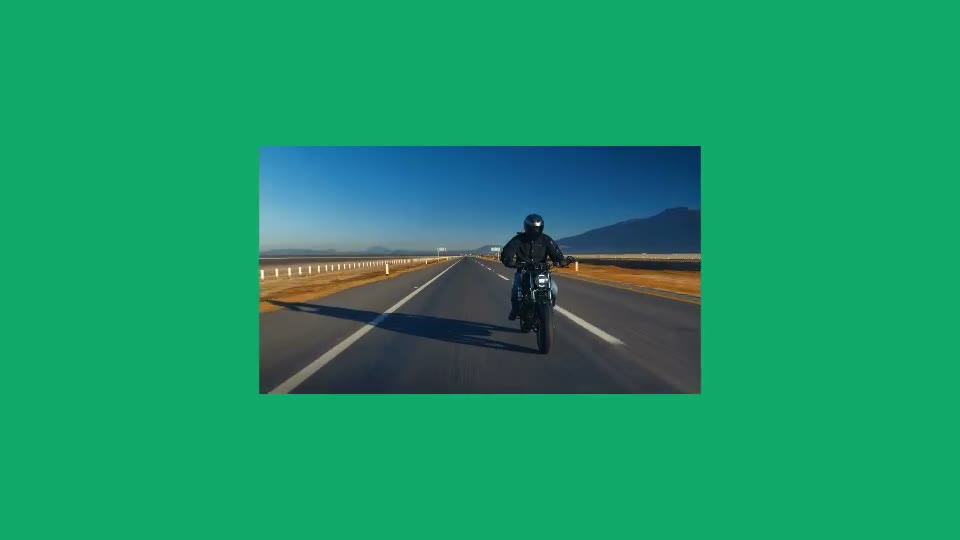
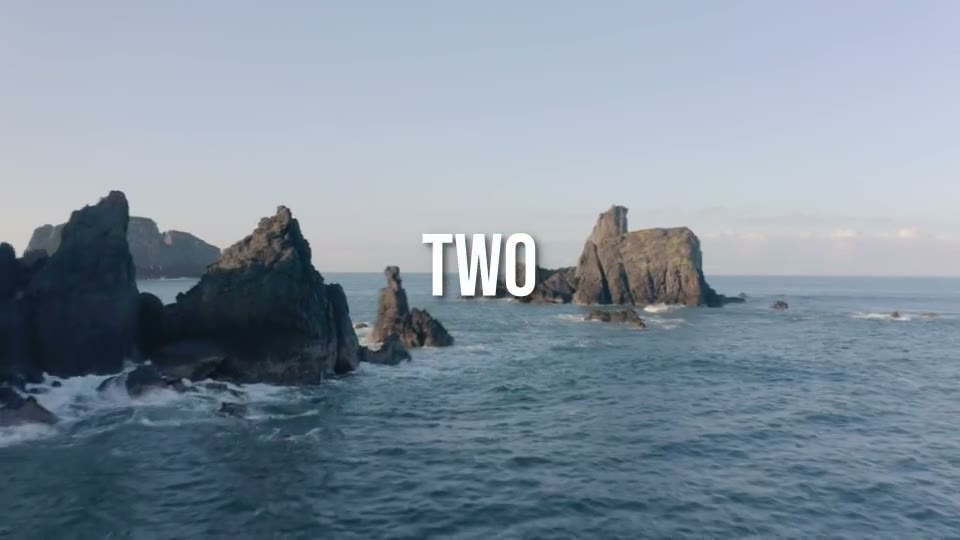
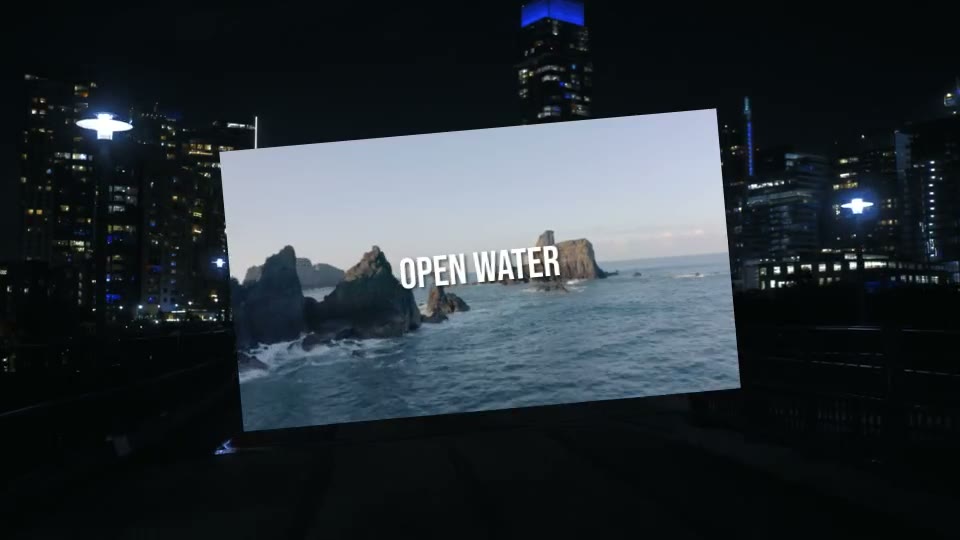
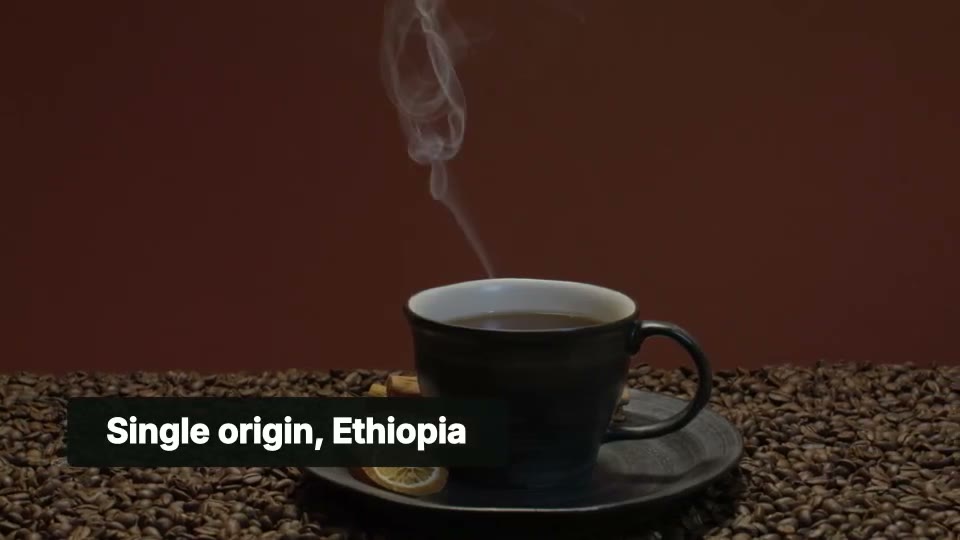
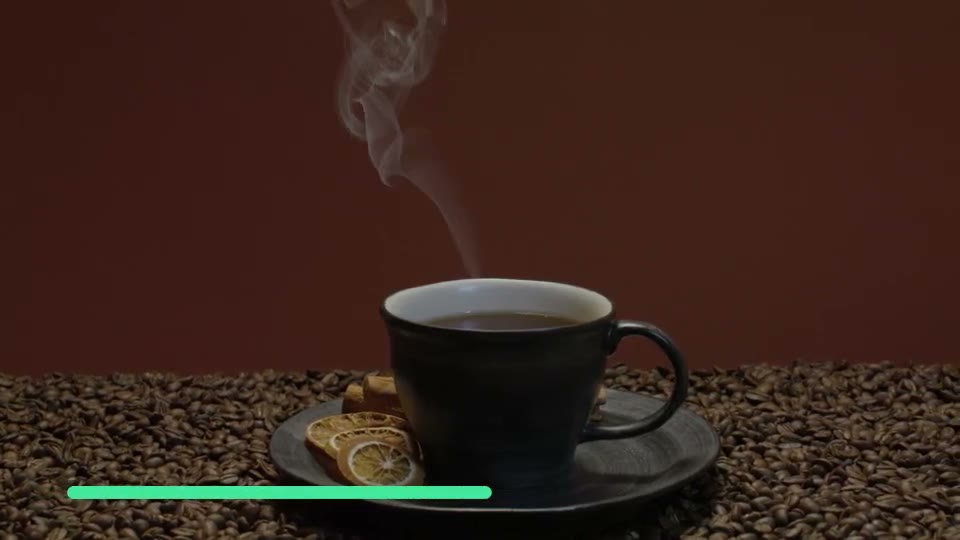
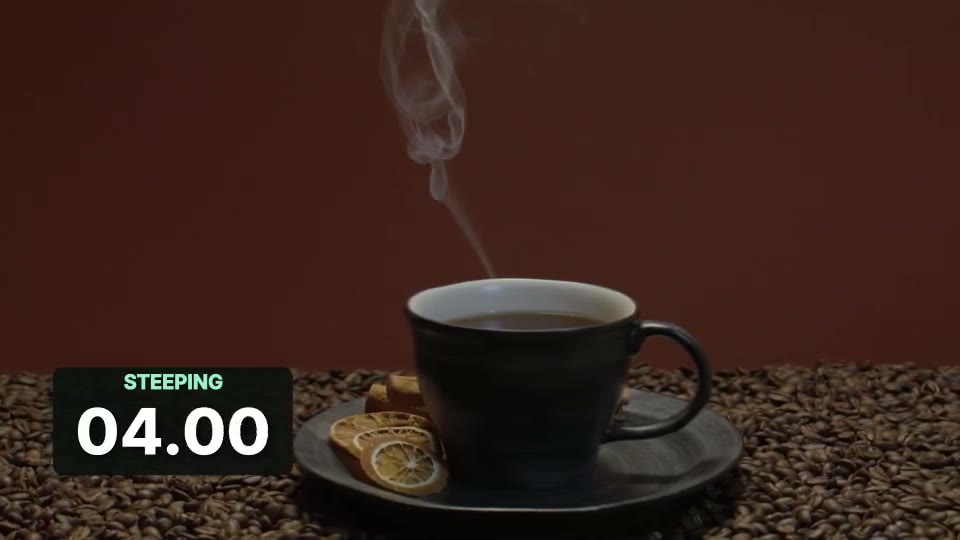
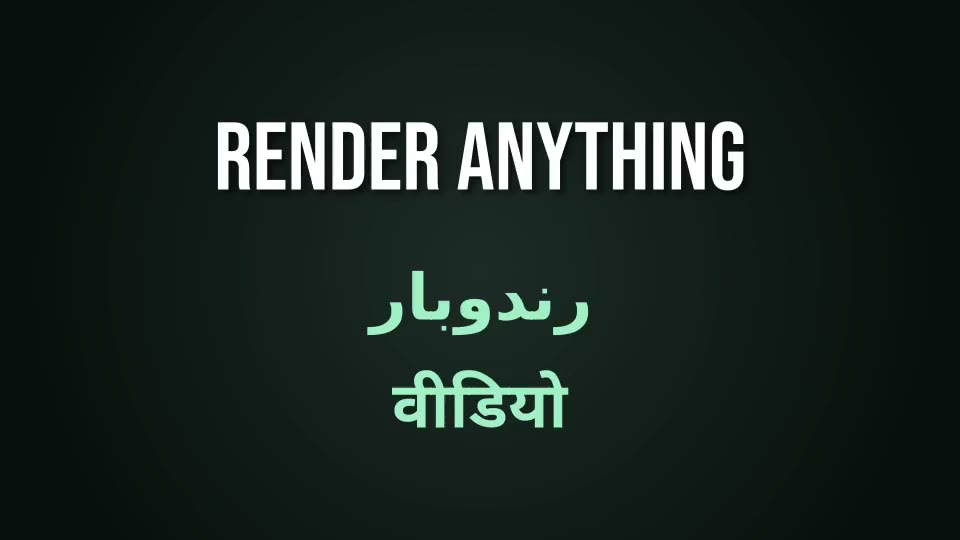
Text stroke: A title over rafting on the Rogue River Text stroke text-stroke An outline round the glyphs. White text over bright water is unreadable without one, and a 4 to 6 pixel black stroke fixes it. Text shadow: A title over rafting on the Rogue River Text shadow text-shadow A shadow behind the text. Softer than a stroke, and enough on footage that is not fighting the text. Text background: A title over rafting on the Rogue River Text background text-background A solid box behind the text. The most readable of the three, and the one that reads as a caption rather than a title. Text align: A title over rafting on the Rogue River Text align text-align Which way the lines line up, and which edge of the text sits on the clip's position. left starts there, right ends there. Text entrance: A title over rafting on the Rogue River Text entrance text-animate An entrance. The title slides up into place while it fades in, instead of simply being there. Shape gradient: A shape over rafting on the Rogue River Shape gradient shape-gradient Two colours instead of one makes the fill a gradient, running the way `gradient` names. Shape outline: A shape over rafting on the Rogue River Shape outline shape-outline Leave the fill out and only the stroke draws, so what it surrounds is genuinely transparent and the footage shows through. Shape radius: A shape over rafting on the Rogue River Shape radius shape-radius Rounds a rect's corners, 0 square through to 1 fully round, which is a pill on a wide box. Shape softness: A shape over rafting on the Rogue River Shape softness shape-softness Feathers the edge instead of cutting it, which is how a soft spotlight or a vignette is made rather than a hard-edged block. Shape shadow: A shape over rafting on the Rogue River Shape shadow shape-shadow A shadow behind the shape, so a card or a bar lifts off the footage instead of sitting flat on it. SVG path: An arrow over rafting on the Rogue River SVG path path SVG path data straight out of a design tool, drawn as a clip. The viewBox is the space the path was written in. Shape kinds: Five shapes on a studio backdrop Shape kinds shape The kinds a shape can be. A circle takes one side of its box so it stays round on any frame, and a triangle points down until you turn it. Background: A boxed clip over the timeline background Background background The colour behind every clip, wherever nothing else is drawn. Here a wide shot in a tall box leaves bars, and the background decides what colour they are. Scenes: Two scenes, each with a title Scenes scenes Sequential segments instead of tracks. Each scene holds its own clips and an optional transition into it, which is the shape most edits actually have. Overlays: A watermark over two scenes Overlays overlays Clips drawn over the WHOLE video however it is cut, so a watermark spans every scene without being repeated in each one. Composition: A titled card scaled down as one clip Composition composition A whole timeline used as one clip, so a group of layers moves, scales and fades together instead of one at a time. Lower third: A lower third over rafting on the Rogue River Lower third lower third The everyday pattern: a rounded bar on one track and the words on another, so each can be styled and timed on its own. Progress bar: A progress bar over rafting on the Rogue River Progress bar progress bar Keyframes on the box itself. The bar's width runs from nothing to most of the frame across the clip, which is a progress bar with no new field to learn. Timer: Rafting on the Rogue River Timer timer A running countdown over the clip. It counts down from the clip's own length, so a 6 second clip starts at 6. Fonts: Three scripts on a studio gradient Fonts fonts One text clip per script. A display family for the headline, and the bundled fallbacks carrying Arabic and Devanagari without a single font file uploaded. Lottie animation: A VW bus on a causeway Lottie animation animation A Lottie lower third that sweeps in over the footage, with the words on it set as a compose text clip. Subtitles: A narration over Ban Jelačić square in Zagreb Subtitles subtitles Every line of a narration in one clip, timed to the words, styled once.

Questions

How do I add an effect to a clip in a compose job?

Give the clip an effects list and put one entry in it per effect, each with a type and only the settings you want to change. The list runs in the order you write it, and the same list works on video, image and sound clips.

Which effects does the compose API have?

34 named effects for picture and sound, the wipe and push transitions, timer and subtitle clips, and 335 more engine filters you can call by their own names. Every one of them has a page here with a before and after.

Are these demos real renders?

Yes. Each request on these pages went through the same parser and compiler a compose job uses and was rendered in the same engine build, MLT 7.41.0. Nothing here is a mockup, and every request can be sent to the Rendobar API as written.

Where does the footage come from?

Every clip and sound is public domain or CC0, from Wikimedia Commons and LibriVox, and each page credits its sources. None of it shows an identifiable person.

New to compose? Start with the compose API overview, or send timelines from an agent through the MCP server.