> ## Documentation Index
> Fetch the complete documentation index at: https://rendobar.com/docs/llms.txt
> Use this file to discover all available pages before exploring further.

> ## Agent Instructions
> Keep the API key in an env var (RENDOBAR_API_KEY), never in chat or committed code.
> Job types change, so fetch the live catalog from GET https://api.rendobar.com/jobs/types rather than relying on memory.
> The full integration prompt for coding agents is at https://rendobar.com/prompts/integrate.md.

# Automate media jobs without code

> Run Rendobar video and image jobs from n8n or Activepieces, and start from ready-made workflows that import and run on n8n Cloud.

<script
  type="application/ld+json"
  dangerouslySetInnerHTML={{
__html: JSON.stringify({
  "@context": "https://schema.org",
  "@type": "TechArticle",
  "@id": "https://rendobar.com/docs/automation#article",
  "headline": "Automate media jobs without code",
  "description": "Run Rendobar video and image jobs from n8n or Activepieces, and start from ready-made workflows that import and run on n8n Cloud.",
  "datePublished": "2026-09-15",
  "author": { "@type": "Organization", "@id": "https://rendobar.com/#organization" },
  "publisher": { "@type": "Organization", "@id": "https://rendobar.com/#organization" }
})
}}
/>

Run Rendobar jobs from an automation platform instead of code.
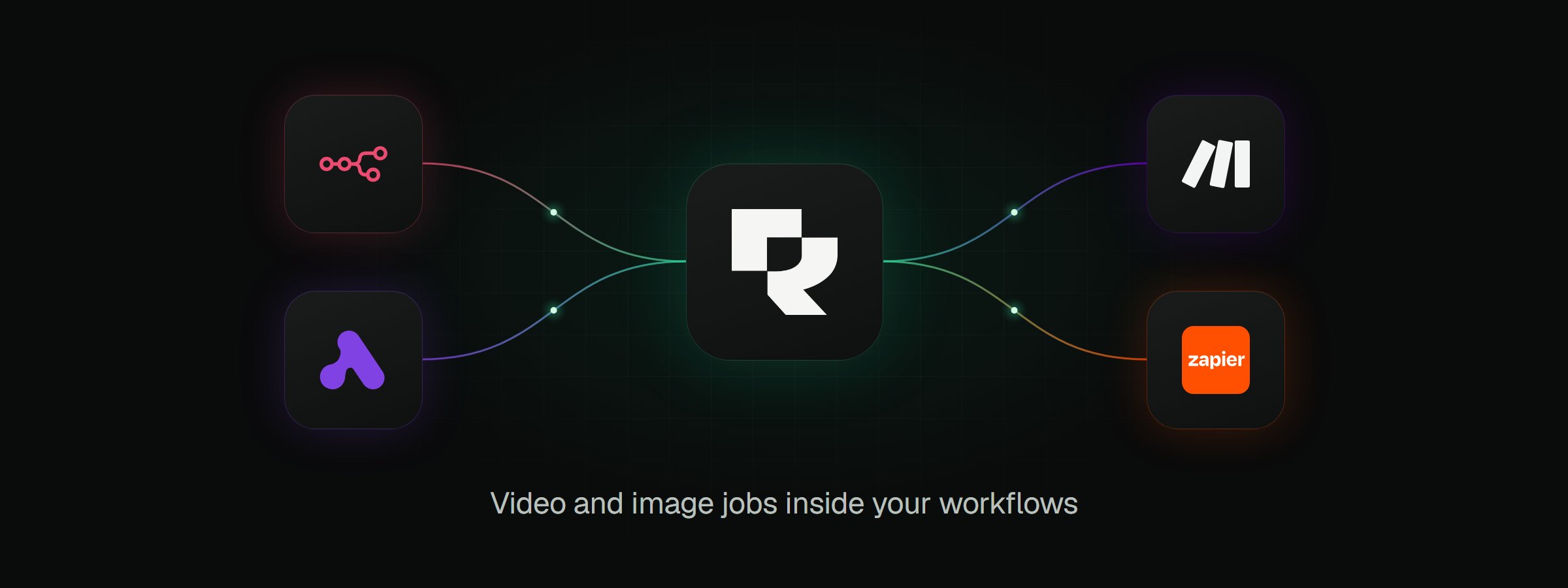
<Frame caption="Rendobar runs video and image jobs from the automation platforms you build workflows in.">
  <img src="https://mintcdn.com/rendobar/GMgq9TyL67eCvVbG/images/automation/hero-overview.png?fit=max&auto=format&n=GMgq9TyL67eCvVbG&q=85&s=4f285e584a0f55a8e547d6ea61a3e26c" alt="The Rendobar mark in the centre, joined by curved connector lines to the n8n and Activepieces logos on the left and the Make and Zapier logos on the right. The caption reads: Video and image jobs inside your workflows." width="2400" height="900" data-path="images/automation/hero-overview.png" />
</Frame>

## Platforms

<CardGroup cols={2}>
  <Card title="n8n" icon="https://mintcdn.com/rendobar/j9pv13kq0w3URKob/images/logos/n8n.svg?fit=max&auto=format&n=j9pv13kq0w3URKob&q=85&s=7d2f23d717e90ff2983d9e297191d3c5" href="/docs/automation/n8n" width="24" height="24" data-path="images/logos/n8n.svg">
    Verified node for n8n Cloud and self-hosted n8n.
  </Card>

  <Card title="Activepieces" icon="https://mintcdn.com/rendobar/j9pv13kq0w3URKob/images/logos/activepieces.svg?fit=max&auto=format&n=j9pv13kq0w3URKob&q=85&s=bde050657661141ab24f6e45058c49a1" href="/docs/automation/activepieces" width="22" height="19" data-path="images/logos/activepieces.svg">
    Piece for self-hosted and paid Activepieces.
  </Card>

  <Card title="Make" icon="https://mintcdn.com/rendobar/j9pv13kq0w3URKob/images/logos/make.svg?fit=max&auto=format&n=j9pv13kq0w3URKob&q=85&s=5dfbf01c8aeea0460e319419d6b11366" width="24" height="24" data-path="images/logos/make.svg">
    Coming soon.
  </Card>

  <Card title="Zapier" icon="https://mintcdn.com/rendobar/GMgq9TyL67eCvVbG/images/logos/zapier.svg?fit=max&auto=format&n=GMgq9TyL67eCvVbG&q=85&s=feacfef792ce6ed95df599b704b95ef5" width="24" height="24" data-path="images/logos/zapier.svg">
    Coming soon.
  </Card>
</CardGroup>

## Templates

Finished n8n workflows that run on n8n Cloud. Open a card, copy its address, and paste it into **Import from URL** in the n8n workflow menu. Each workflow lists its setup steps in a sticky note.

<CardGroup cols={2}>
  <Card title="Create YouTube quote videos in any language from Google Sheets" img="https://mintcdn.com/rendobar/j9pv13kq0w3URKob/images/templates/quote-videos-languages.png?fit=max&auto=format&n=j9pv13kq0w3URKob&q=85&s=0534498e2495a300d0072bf26eb9caae" href="https://raw.githubusercontent.com/rendobar/n8n-nodes-rendobar/main/templates/quote-videos-from-google-sheets.json" cta="Workflow JSON" width="1600" height="900" data-path="images/templates/quote-videos-languages.png">
    A new sheet row becomes a 9:16 quote video with music, in a font made for its language.
  </Card>

  <Card title="Run FFmpeg commands on n8n Cloud with Google Drive and Slack" img="https://mintcdn.com/rendobar/GMgq9TyL67eCvVbG/images/templates/run-ffmpeg-canvas.png?fit=max&auto=format&n=GMgq9TyL67eCvVbG&q=85&s=b16301fc611a46edcf6811f3742ae63c" href="https://raw.githubusercontent.com/rendobar/n8n-nodes-rendobar/main/templates/run-ffmpeg-on-n8n-cloud.json" cta="Workflow JSON" width="750" height="422" data-path="images/templates/run-ffmpeg-canvas.png">
    A form takes a video URL and a command. Failed jobs post the FFmpeg error to Slack.
  </Card>
</CardGroup>
